





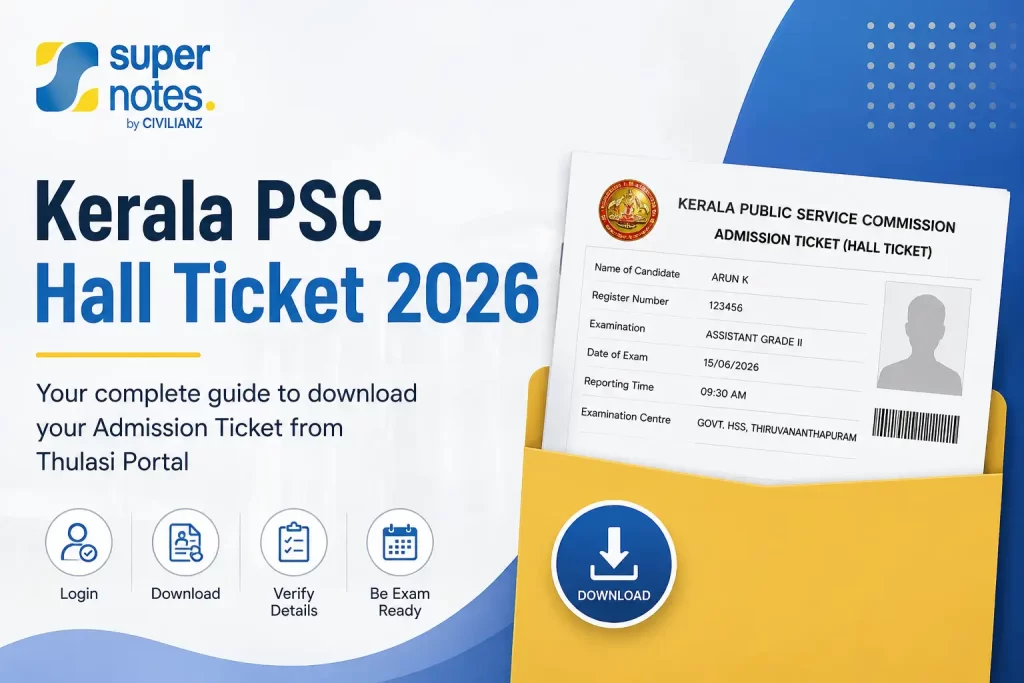
If you need your Kerala PSC Hall Ticket, you can access the admission ticket through your Kerala PSC Thulasi/OTR profile once it has been released for your examination. The availability depends on the specific exam schedule and any required confirmation.
What Is the Kerala PSC Hall Ticket?
The Kerala PSC Hall Ticket is the admission ticket issued for a particular examination. It contains important information such as the examination date, time, centre, post details and instructions for candidates.
Candidates should download the ticket in advance and carefully check all the details before exam day.
Need Your Hall Ticket Now?
Log in to your official Kerala PSC Thulasi account to access your admission ticket and check your examination details.
LOGIN TO PSC THULASI ↗How to Download the PSC Hall Ticket
For PSC Hall Ticket Download, follow these general steps:
- Visit the official Kerala PSC website and access the Thulasi/OTR login.
- Enter your User ID and password to access your profile.
- Open the relevant admission ticket or hall-ticket section.
- Select the examination or post for which the ticket has been released.
- Generate and download the admission ticket.
- Save the file and take a clear printout for the examination.
How to Access Your Hall Ticket Through Thulasi
Your Kerala PSC Hall Ticket is connected to your Thulasi/OTR candidate profile. After logging in, check your profile for the admission-ticket option related to the examination you are attending.
If you have applied for multiple examinations, make sure you select the correct post and examination before downloading the ticket.
When Is the Hall Ticket Available?
For Kerala PSC Hall Ticket 2026, availability is determined by the individual examination programme and official admission-ticket announcement. For many examinations, tickets may become available during the period leading up to the examination, subject to applicable confirmation requirements.
Some examinations provide admission tickets during the last 15 days before the test, but candidates should not assume that every examination follows the same timeline. Check the official notification and Kerala PSC announcements for the exact availability date.
What Details Should You Check?
Before leaving for the examination, verify the following details on your Kerala PSC Hall Ticket:
- Candidate name and profile details
- Examination or post name
- Category/notification details
- Examination date and time
- Reporting time
- Examination centre and address
- Candidate photograph or other printed details, where applicable
- Instructions for the examination
If you notice an issue, follow the instructions provided by Kerala PSC for that particular examination.
🔗 Useful Kerala PSC Links
What Should You Carry to the Exam Centre?
Carry your printed admission ticket along with an original identity document from the accepted list specified in the examination instructions.
Also check the instructions printed on your ticket for reporting time, permitted items and other examination-day requirements.
What If the Hall Ticket Is Not Showing?
If your ticket is not visible in your Thulasi profile, check these points:
- Confirm that the admission ticket release date has arrived.
- Check whether exam confirmation was required and completed.
- Make sure you are using the correct candidate profile.
- Verify that you are checking the correct examination or post.
- Check the latest official Kerala PSC announcements.
- If the issue continues, use the official Kerala PSC enquiry or support channels.
Kerala PSC Hall Ticket 2026: Important Points
- Kerala PSC Hall Ticket 2026 availability can vary between examinations.
- Check the official examination programme for the relevant dates.
- Complete any required confirmation within the prescribed period.
- Download and print the ticket before the examination.
- Follow the instructions printed on your individual admission ticket.
- Use the official Kerala PSC website for the latest information.
How to Download Kerala PSC Hall Ticket 2026
The Kerala PSC Hall Ticket Download process is completed through your PSC profile.
Step-by-Step
- Open the official Kerala PSC Thulasi portal.
- Log in using your User ID and password.
- Enter the required captcha/access information.
- Open your candidate profile.
- Find the relevant admission-ticket option for your examination.
- Download the hall ticket and check all the information carefully.
For eligible examinations, Kerala PSC makes admission tickets available through the candidate’s profile. The exact availability period can depend on the examination and its programme. (Kerala PSC)
Important: Don’t rely on a fixed “10–15 days before every exam” rule. Check the examination programme or specific Kerala PSC admission-ticket notification for your exam.
FAQs
How can I download my Kerala PSC Hall Ticket?
Log in to your Kerala PSC profile through the official Thulasi portal and access the admission ticket available for your examination.
Where can I find the Kerala PSC Hall Ticket 2026?
Check your candidate profile and the official Kerala PSC examination/admission-ticket announcements.
Is Kerala PSC Hall Ticket and Admission Ticket the same?
Kerala PSC commonly uses the term Admission Ticket in its official notifications. Candidates often refer to it as a hall ticket or admit card.
What if my hall ticket is not showing?
Check whether the ticket has been released and whether you completed any required examination confirmation. If the problem continues, contact Kerala PSC through its official enquiry channels.